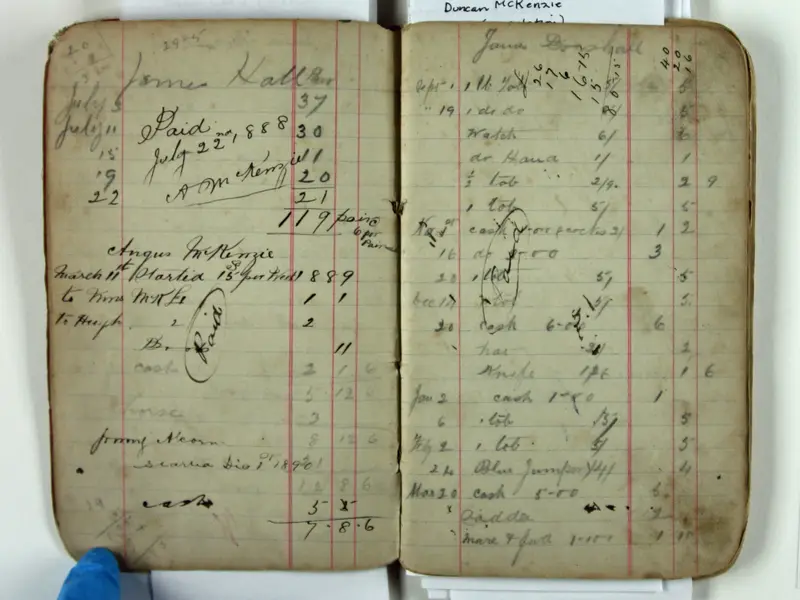
From the counter to the cloud (well, to your pocket)
The physical recipe box solved a real problem elegantly: one home for recipes, divided into sections, close to where cooking happens. Its failures were physical too — one copy, in one kitchen, in ink that fades and cards that absorb a decade of splashes. The digital recipe box keeps the shape of the idea and removes the physics: the same one-home-for-everything, the same dividers (as collections), the same cards (as recipes) — but searchable, duplicable and in your pocket at the supermarket.
What surprises people about going digital is how much of the pleasure survives. The box was never really about cardboard; it was about curation — these are our recipes, the ones this household stands behind. A digital box curated with the same intent, and named in your own words, carries the same feeling. RecipeKeep's starter library even arrives pre-divided into collections, so the box feels furnished before you add a single card of your own.
Digitising a card box without losing your weekend
The mistake is treating digitisation as a single project with a deadline. Treat it instead as a migration with passes. Pass one is pure insurance: photograph every card, front and back, in decent light. An evening, a phone, done — the archive can no longer be lost in a move or a flood. Pass two is utility: type the twenty recipes you actually cook into the app, so daily life improves immediately. Pass three is completeness, done lazily: a divider's worth of cards whenever you have fifteen spare minutes.
Transcribe generously. Old cards assume a cook who already knows — “a moderate oven”, “butter the size of an egg” — and your typed version can hold both the original line and your bracketed translation. Keep the attribution: whose card, whose handwriting, which holiday it belongs to. In a digital box, that context is metadata you will be grateful for; in a physical one, it was the first thing lost.
And keep the box itself. Digitising is about safety and search, not disposal — the original cards are family artefacts. The digital copy is the working set; the wooden box becomes what it always secretly was, an heirloom.
What a digital box does that cardboard can't
Search by ingredient, for a start: the physical box cannot answer “what uses the last of the spinach?” The digital one can, across every card at once. Scaling is next: the card says serves four, the table seats seven, and the digital version simply does the arithmetic. Then planning: cards become a week, and the week becomes a shopping list with duplicates merged — the box, the planner and the list finally being one object instead of three.
Duplication is the quiet superpower. A physical box exists once; a digital library file can live on your phone, in your cloud storage and in your sister's kitchen simultaneously, each copy evolving independently. Families separated by oceans cook from the same box — which is, when you think about it, what the box was always for.
Questions, answered
What is a digital recipe box?
It is the software descendant of the wooden or tin box of recipe cards that lived on kitchen counters for a century: a single home for all your recipes, organised in sections, that you can search, carry and back up. The digital version keeps the virtues — one place, your categories, your handwriting replaced by your naming — and removes the failure modes: no fading ink, no lost cards, no box that exists in only one kitchen.
How do I turn my physical recipe box into a digital one?
Work in passes, not in one heroic weekend. First photograph every card — that is your safety copy. Then type the cards you cook most into the app (twenty minutes does a dozen), filing them into collections that mirror your box's dividers. Work through the rest a section at a time over a few weeks. Most people find the halfway point — favourites digitised — delivers 90% of the benefit.
Digital recipe box vs recipe app: is there a difference?
Only emphasis. “Recipe box” describes the container — the one place everything lives — while “recipe app” describes the software generally. The tools overlap almost completely. If the box metaphor helps you think about it (sections, cards, a lid on the chaos), choose software that honours it: collections as dividers, recipes as cards, and an export as the spare key.
Can I share my digital recipe box with family?
Yes, in the way that survives: export the library file and send it to relatives, who can import it into their own copy of RecipeKeep and then make it theirs. For a family cookbook project — collecting everyone's versions of the shared dishes — that file-swapping is deliberately simple, and the blog's family cookbook guide walks through running one.
What happens to my digital recipe box if I change phones?
You export, you import — two buttons, one file. Because RecipeKeep stores the library in your browser rather than an account, moving is a deliberate act rather than a sync mystery, and the same export doubles as your backup. Do it before you wipe the old phone, and your box arrives with every card in place.