Open the free app
Free recipe manager & organizer app

The free recipe manager that keeps every recipe in one place

RecipeKeep is a free recipe manager: clip a recipe from any website, paste one from a caption, or type in a family favourite β€” then organise everything into collections, plan your week and shop from one automatic grocery list.

βœ“ Free forever  Β·  βœ“ No account  Β·  βœ“ Works offline  Β·  βœ“ Export your library any time

My Library24 built in + yours
Collections
Weeknight Dinners6 recipes
Family Favourites5 recipes
Gran's Bakingyours
Recently saved
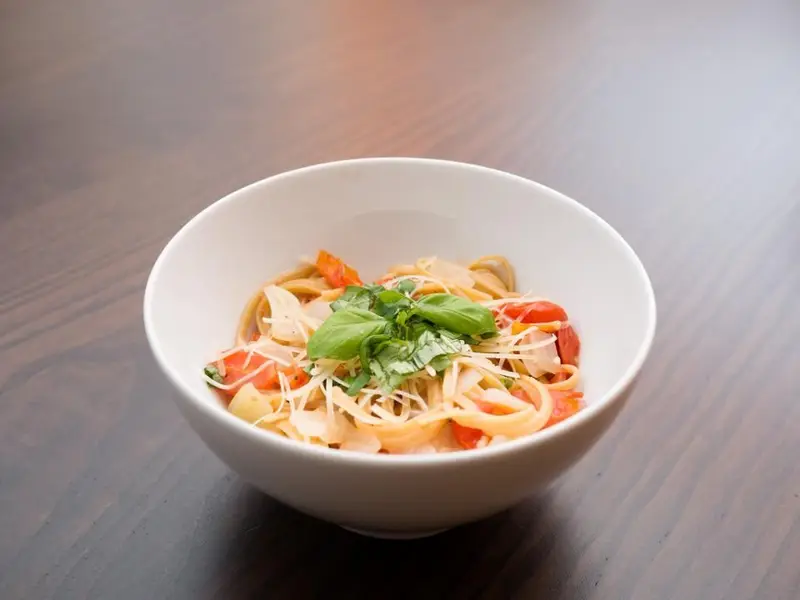
Bowl of spaghetti with tomato sauce and fresh basilTomato Basil PastaWeeknight Dinners
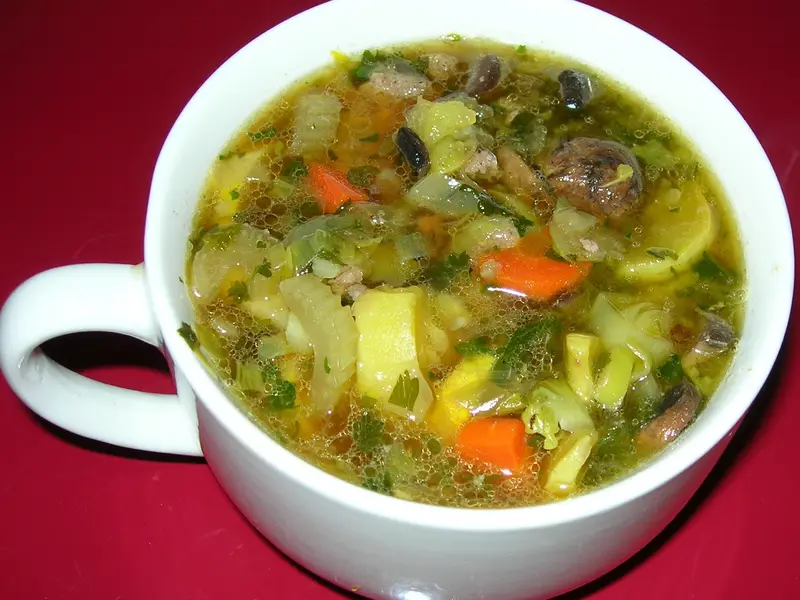
Mug of chicken and vegetable soup with carrots, sweetcorn and herbsChicken Vegetable SoupSoups & Stews
Stack of pancakes topped with berries on a ceramic plateFluffy Buttermilk PancakesBaking & Breakfast
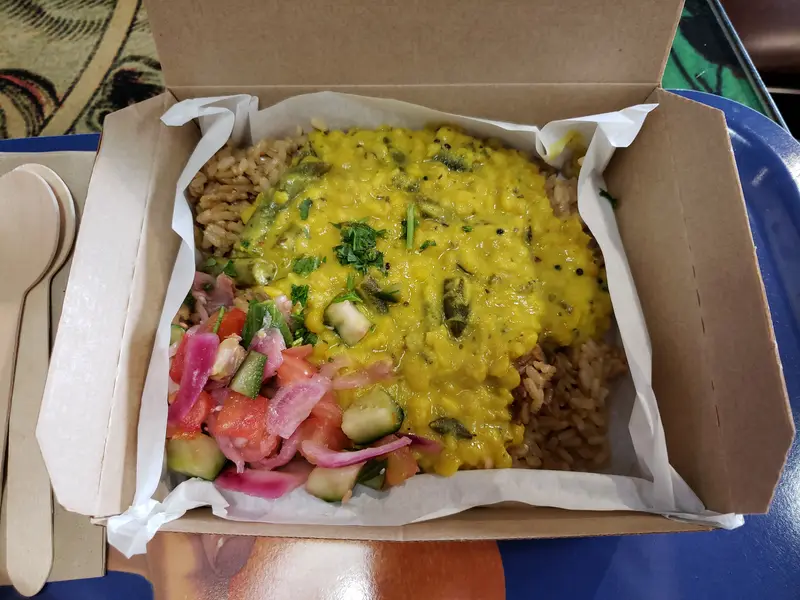
Yellow lentil dahl served with rice and a chopped saladRed Lentil DahlVegetarian Mains
+ Save a recipe from any site

Why recipes need a manager, not a bookmarks folder

Most cooks now keep recipes in five places at once: browser bookmarks, screenshots, saved posts, a notes app and a paper folder. Every one of those fails quietly β€” links die, screenshots can't be searched, and the caption scrolls away. A recipe manager fixes the shape of the problem: it stores the recipe itself, once, in a form every other job can use.

βœ‚οΈ

1. Save it once, properly

Clip from any cooking site, import from a link, or paste a caption or a photo's worth of text. RecipeKeep reads the page's structured recipe data when it exists and parses plain text when it doesn't, then splits everything into title, ingredients and steps.

πŸ—‚οΈ

2. Organise it your way

Collections are folders with your names on them β€” β€œWeeknight Dinners”, β€œGran's Baking”, β€œWorth the Effort”. A recipe can sit in several at once, and full-text search finds any ingredient, cuisine or craving across the whole library.

πŸ›’

3. Cook and shop from it

Drag favourites into the week planner and the grocery list writes itself β€” scaled to your servings, duplicates merged, sorted by store section. Cook mode then walks you through each step with the screen kept awake.

Everything a recipe manager should do β€” free

We studied the apps people have loved for a decade β€” and the ones they are leaving β€” and built the features that matter into RecipeKeep, without the subscription.

🌐

Clip from any website

Most recipe sites publish structured data for search engines. RecipeKeep reads that same data, so importing a recipe keeps its quantities, servings and steps intact β€” no retyping, no reformatting.

πŸ“±

Save social recipes

The recipe in an Instagram caption or a TikTok description is real text β€” paste it in and the parser turns it into ingredients and steps you can actually cook from, instead of a video you rewatch eleven times.

πŸ“€

Yours to export

One button downloads your entire library β€” your recipes, collections and favorites β€” as a single open file. Keep a backup, move devices, or leave entirely. Your collection is an asset, not a hostage.

πŸ“…

Plan from your library

Your saved recipes feed a real week planner: breakfasts, lunches and dinners, per-meal servings, a generate-my-week button and a calendar export.

πŸ‘¨β€πŸ³

Cook mode

One step at a time, in type big enough to read across the kitchen, with the ingredients one tap away and the screen kept awake. No scrolling with wet hands.

πŸ“΄

Offline & private

Install it to your home screen and your whole library works offline. There is no account database with your data in it β€” your recipes live in your browser, on your device.

Switching from another app? Start here

Three of the most-loved recipe apps changed or closed recently. If yours is one of them, these guides walk the move step by step.

πŸ—“οΈ

MasterCook alternative

MasterCook's cloud service closes on 31 December 2026. Rescue a collection that may go back to the 1990s β€” the full migration guide, in order, before the deadline.

🌢️

Paprika alternative

Paprika 4 moved unlimited libraries and sync behind a Premium subscription. If you would rather not rent your own recipe box, here is the free web-based option.

πŸ‹

Yummly alternative

Yummly shut down in December 2024 with no bulk export, stranding millions of saved recipes. Here is how to rebuild the library you lost β€” and never lose it again.

A starter library, ready to cook

RecipeKeep opens with 24 tested recipes across nine collections β€” save your own alongside them, or replace them entirely.

Browse all starter recipes β†’

Why cooks are moving their recipes in 2026

Something shifted in the recipe-app world between late 2024 and the end of 2026. Yummly β€” twenty million users, a decade of saved collections β€” shut down with no way to export what people had saved. MasterCook, the program many cooks had used since the 1990s, was sold, and its new owner set a date for the cloud behind it to close. Paprika, the connoisseur's favourite, moved its new version behind a subscription. None of these were bad products. All of them taught the same lesson: a recipe collection is only as safe as its exit door.

That lesson is now the first thing experienced cooks check, ahead of any feature list. Can I get my recipes out, complete, in a file I can read? Where do they live β€” on a company's server, under a subscription, or on my own device? RecipeKeep was designed as the answer to those two questions: your library lives in your browser, on your device, and Settings holds a one-tap export of the whole thing. If this site vanished tomorrow, your collection would not notice. That is not a limitation of the design; it is the design.

The pattern has a quieter second act, too. Pepperplate, once a perfectly serviceable manager, was simply left unmaintained β€” its app untouched for years while subscriptions continued. Nothing dramatic happened; the software just slowly stopped fitting modern phones, and its users' collections sat inside, reachable but increasingly stranded. Drama is not required for a library to be lost. Neglect does it just as well, only slower. The defence is the same in both cases: your recipes, as your data, in a place that cannot be switched off, sold or abandoned β€” your own device, with an export you control.

There is a smaller, everyday version of the same argument. Even when an app survives, the recipes inside your screenshots, saved posts and bookmarks are quietly rotting: the blog redesigns and the link dies, the platform changes its saved-items page, the photo of a handwritten card fades into your camera roll's ten-thousandth image. A manager arrests that decay at the moment of saving, because what it stores is the recipe itself β€” ingredients, steps, servings β€” in a form that can be searched, scaled, planned and exported. The source can vanish the next day and dinner survives. That, more than any feature, is what people are actually moving to in 2026: not a prettier app, but custody of their own cooking.

If you are arriving here from one of the closing or paywalling apps, the guides on this site were written for your exact situation: a step-by-step MasterCook migration with a hard deadline of 31 December 2026, a calm Paprika exit that keeps version 3 working while you trial the alternative, and a Yummly rebuilding plan for a library that no longer exists. Each guide follows the same order β€” archive first, trial second, migrate by cooking β€” because that order is what thirty years of other people's migration stories recommend. And if you are arriving with no crisis at all, just a bookmarks folder and a feeling, start smaller: save tonight's recipe properly, once, and notice how it feels to know where it lives.

Your recipes are already written β€” scattered across a decade of tabs, screenshots, captions and cards. RecipeKeep simply gives them one address, one search box, one plan and one list, and then steps back and lets you cook.

What a recipe manager should actually do all day

Strip away the marketing and a recipe manager has four daily jobs. It must catch recipes from wherever they live now β€” a blog, a caption, a scanned card, your head β€” without making you retype them. It must file them so that future-you, tired and hungry at 6pm, can find the right one in seconds. It must turn a handful of chosen recipes into a week and a shopping list without arithmetic. And at the stove, it must present one step at a time, largely, without ads, pop-ups or a screen that sleeps mid-sauce.

RecipeKeep is built around exactly those four jobs and very little else. The importer reads structured recipe data from most cooking sites and parses pasted text from the rest. Collections plus full-text search handle the filing. The planner drafts a week from your library β€” respecting your diet, your avoid list and your calorie target if you set one β€” and the grocery list merges, scales and sorts itself. Cook mode walks the steps with the screen awake. No account, no subscription, no recipe cap: the tool is a web app, and web apps are cheap to keep honest.
Start keeping your recipes properly β€” free

Open RecipeKeep, clip your first recipe from any website, and file it in a collection that makes sense to you. Your whole library, in your browser, exportable any time.

Open the free app β†’
Free Β· No account Β· Works offline Β· Export any time

RecipeKeep questions, answered

Is RecipeKeep really free?

Yes β€” saving recipes, organising collections, the meal planner, the grocery list, cook mode and the library export are all free, with no account and no trial period. RecipeKeep runs in your browser, so there is no app-store purchase hiding anywhere either.

How is a recipe manager different from a bookmarks folder?

Bookmarks save links, and links rot: sites redesign, recipes move behind paywalls, pages vanish. A recipe manager saves the recipe itself β€” ingredients, steps, servings β€” in a standard shape you can search, scale, plan and shop from, even if the original page disappears tomorrow.

Can I save recipes from Instagram and TikTok?

Yes. If a creator's page exposes the recipe in a readable form, RecipeKeep's importer reads it directly; when a site blocks direct fetching (many social apps do), you copy the caption text and RecipeKeep's paste parser splits it into ingredients and steps for you. Either way the recipe ends up as real, editable data β€” not a screenshot.

What happens to my recipes if RecipeKeep ever shuts down?

Nothing β€” because your recipes never live on our servers. Your library sits in your own browser, and the export button in Settings downloads the whole collection as one open file you can keep, move or import elsewhere. No lock-in is a design rule here, not a promise.

Does RecipeKeep work on iPhone and Android?

Yes. RecipeKeep is an installable web app: open it once in your phone's browser, choose β€œAdd to Home Screen”, and it behaves like a normal app β€” including offline, which matters in kitchens with flour on your hands and one bar of signal.

Can I organise recipes my own way?

That is the point of collections. File by cuisine, by person (β€œDad's curries”), by season, by effort level β€” collections are your words, and one recipe can live in several. Search and filters work across all of them at once.